 When I began teaching high school mathematics in 1988, there were no such things as affordable graphing calculators. A mere four years later, I had a classroom set of
 TI-81 graphing calculators.
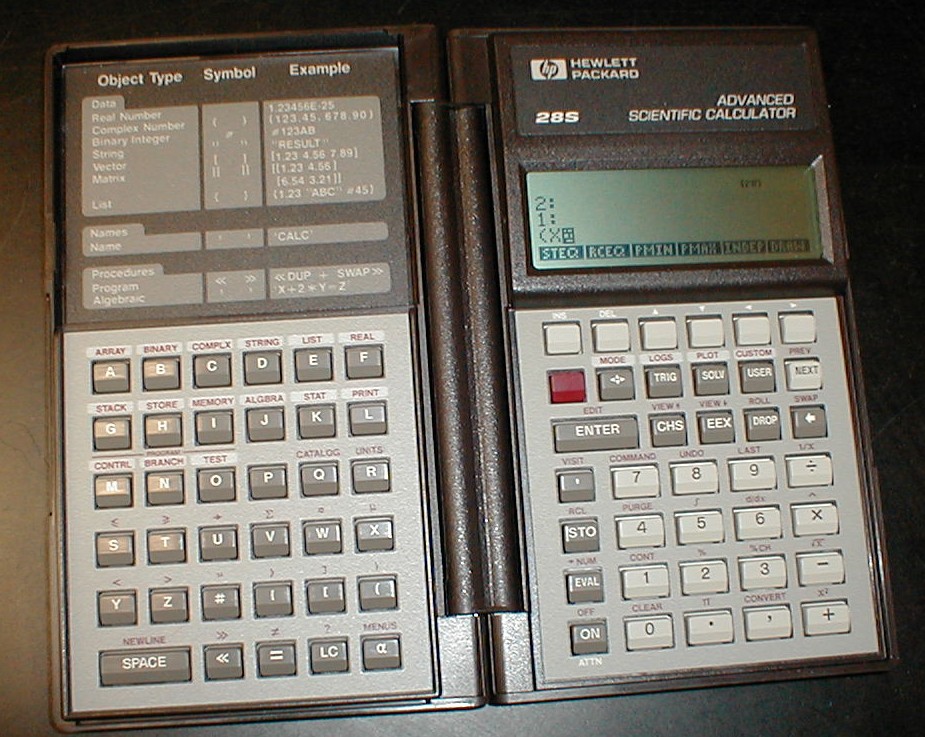
Actually, in my second year, one of my Honors Calculus students showed me his HP Graphing Calculator. It looked nothing like what we would all soon know as graphing calculators. It had this tiny screen that handled about four lines of text – amazing by 1989 standards – and it had two keypads that were connected across a folding spine. Amazing!
So, five years into my teaching career, I have this classroom set of graphers – TI-81’s. What was I supposed to do with them? I mean, I had taught Algebra 1, I knew what the kids were supposed to learn. They had to learn how to draw graphs of lines. They had to learn how to manipulate symbols. How was this new device supposed to help without undermining me? I didn’t have a clue. Sure, it was cool, but the kids were supposed to be able to manipulate a pencil and a ruler – not this new, cool device. It’s not that I was anti-calculator; I was new. And I didn’t want to lose my job. But this was too interesting a tool not to use. So I learned. I read – journal articles. It was 1993, after all. Web? What’s that?
I bought my own graphing calculator: A TI-85. I know a lot of people didn’t like that model, but I did. I liked the menus. I liked what it could do that the TI-81 couldn’t. But it was more expensive, so schools went with the TI-81, which evolved into the TI-82, TI-83, TI-83 Plus, and TI-84 Plus Silver and TI-89 Titanium. That line has been pretty much developed out. It’s where we are right now. We’re comfortable. We know how to use them – as teachers, as students, as test developers. We use them to analyze graphs, to solve systems of equations, to crunch data, and manipulate algebraic symbols, if we have a CAS.
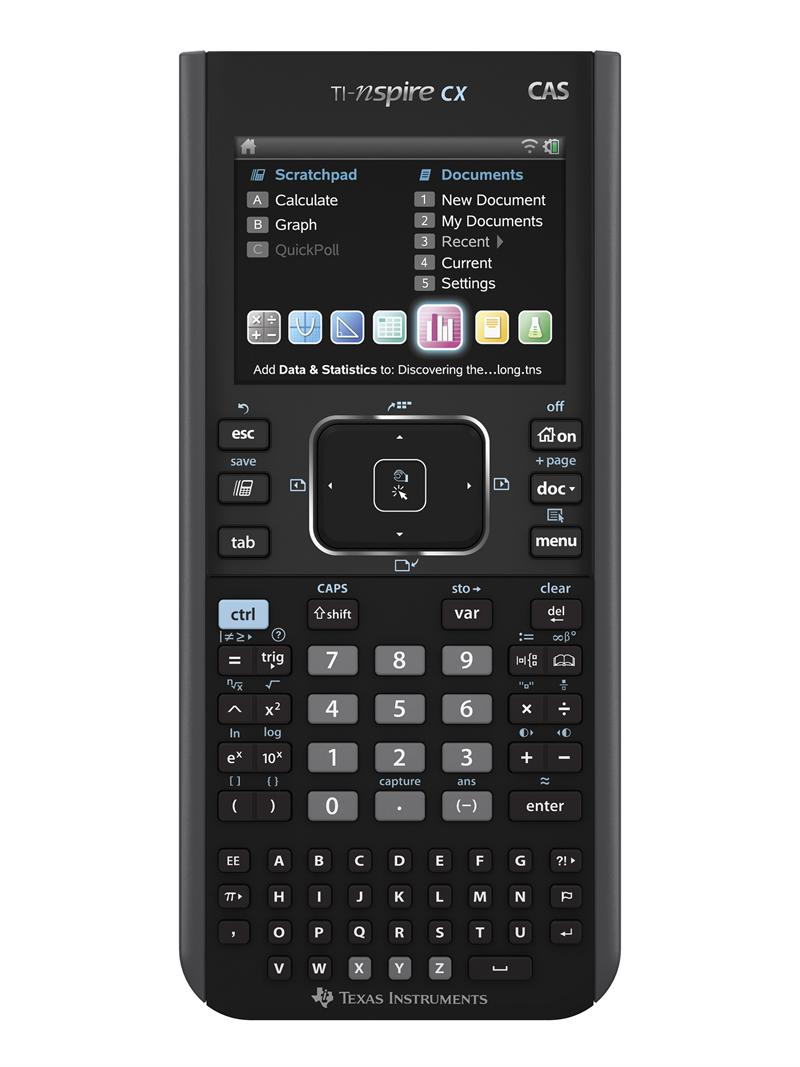
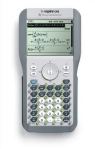 In 2006, I received an invitation to participate in a field test of a new piece of TI classroom technology: The TI-Nspire. Never heard of it; jumped at the chance. It was both co
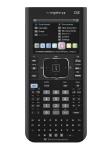 mputer software and handheld device. Literally. The first exposure my students had to the TI-Nspire was at a computer in the lab. At the time, I couldn’t imagine how this new tool would revolutionize my classroom. Frankly, the first models were so clunky, that I just wanted my TI-84 Plus Silver. But they (at TI) listened to us – we teachers in the field test and my students, too. There were some things were really didn’t like – those green alpha buttons – and things we really liked – being able to grab and move function graphs around, for example. Think about that for a second. We could grab a graph and move it around the screen, changing the slope or changing the y-intercept. As we did that, the function rule would change. That means that I could graph a line, grab it, move it, and see the effect on the rule. Holy cow! That’s a game changer. There was so much that this new device could do, my head was spinning. After all, it’s just a tool. If I can’t use it to teach something, then what’s the point? How was I to make the best, most effective use of this new tool? Still working on that. Every day.




 rawsonmath